- 1
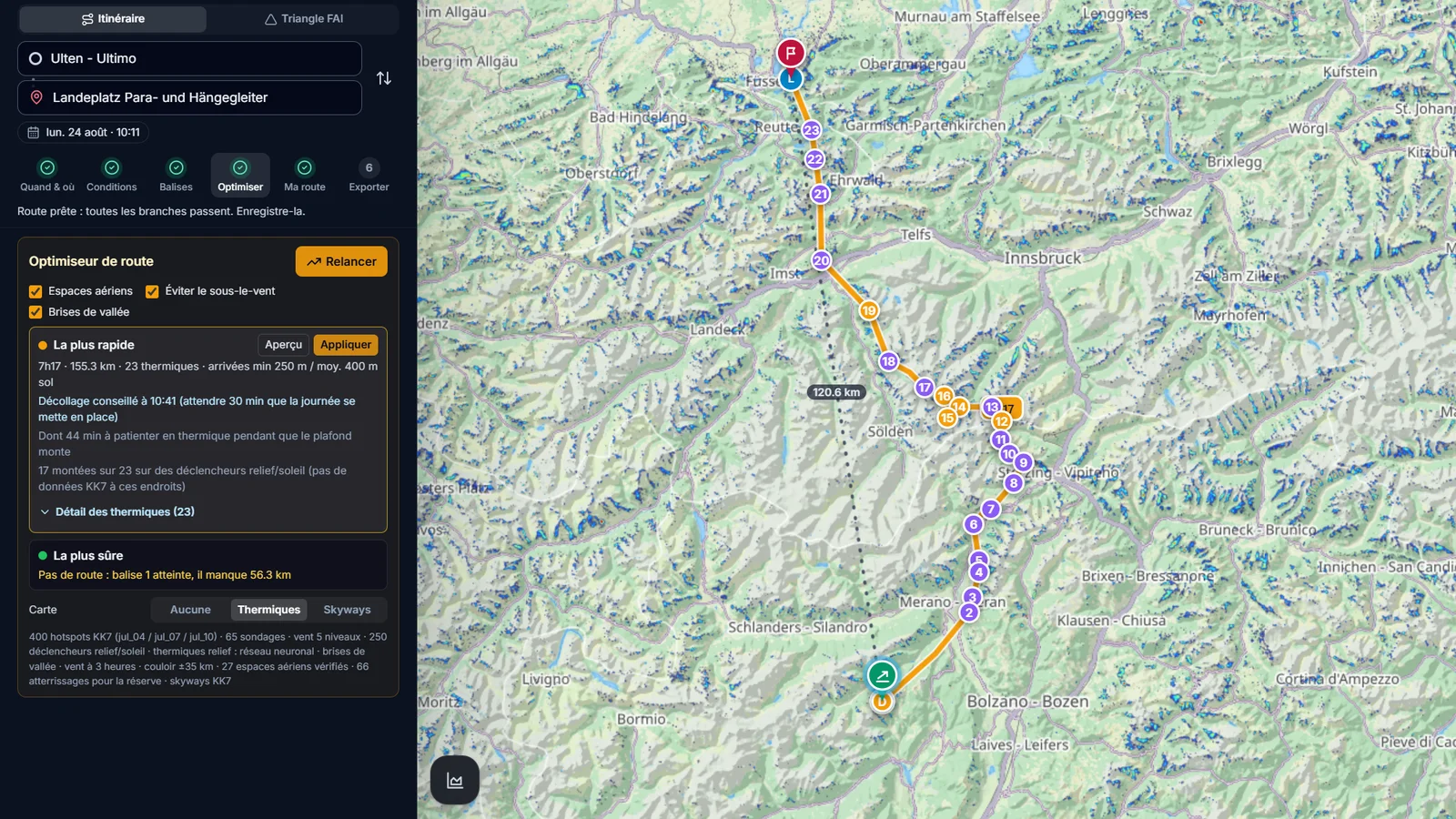
Choose the Hike & Fly mode
At the top of the Route Planner, pick the Hike & Fly travel mode (paraglider and hiker icon), then set your start, goal, day and glider as for a normal plan.
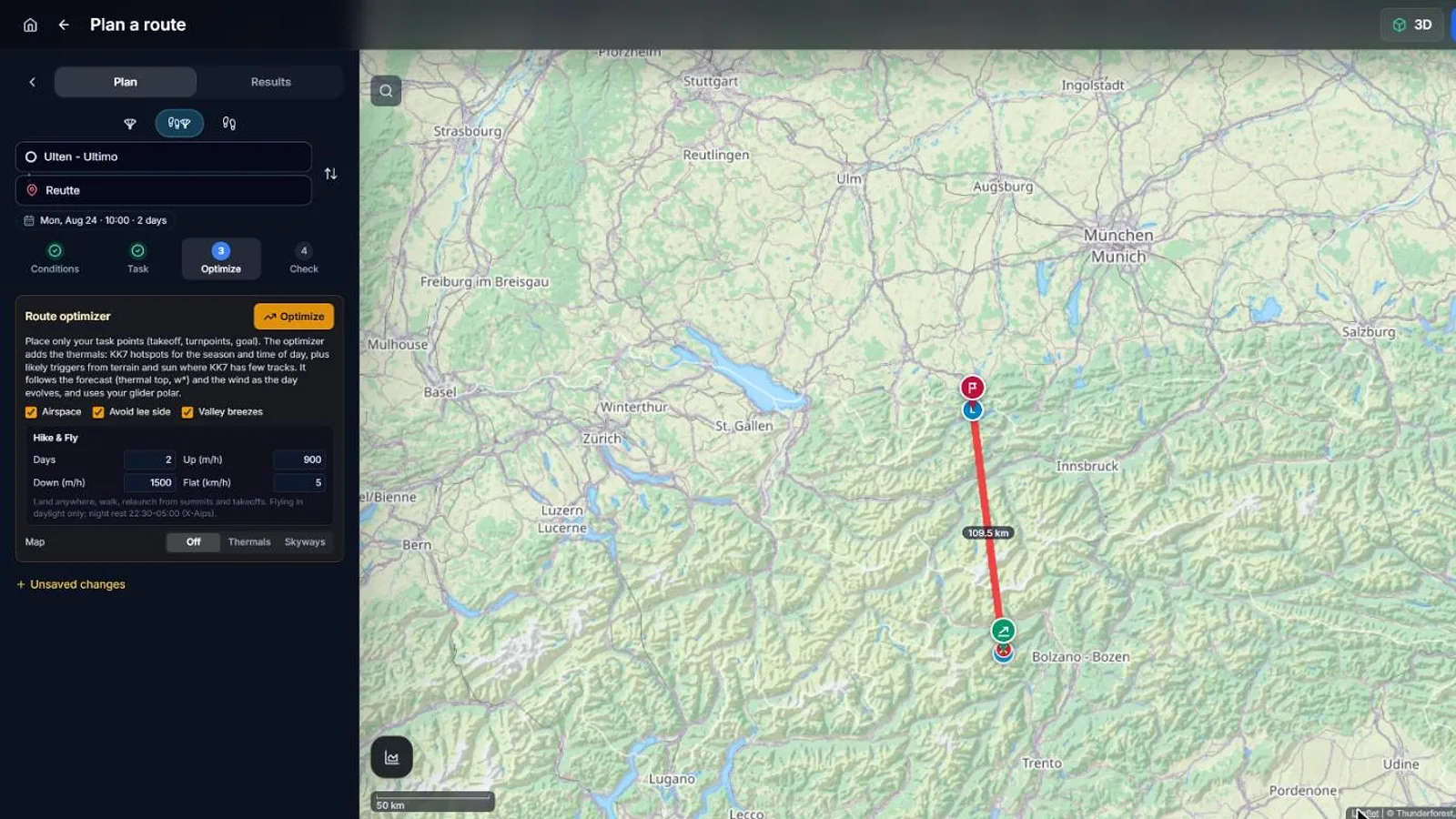
In Optimize, set the number of days and your walking speeds (up, down and on the flat), then run the optimizer. Flying stays in daylight, with a night rest from 22:30 to 05:00.
- 2
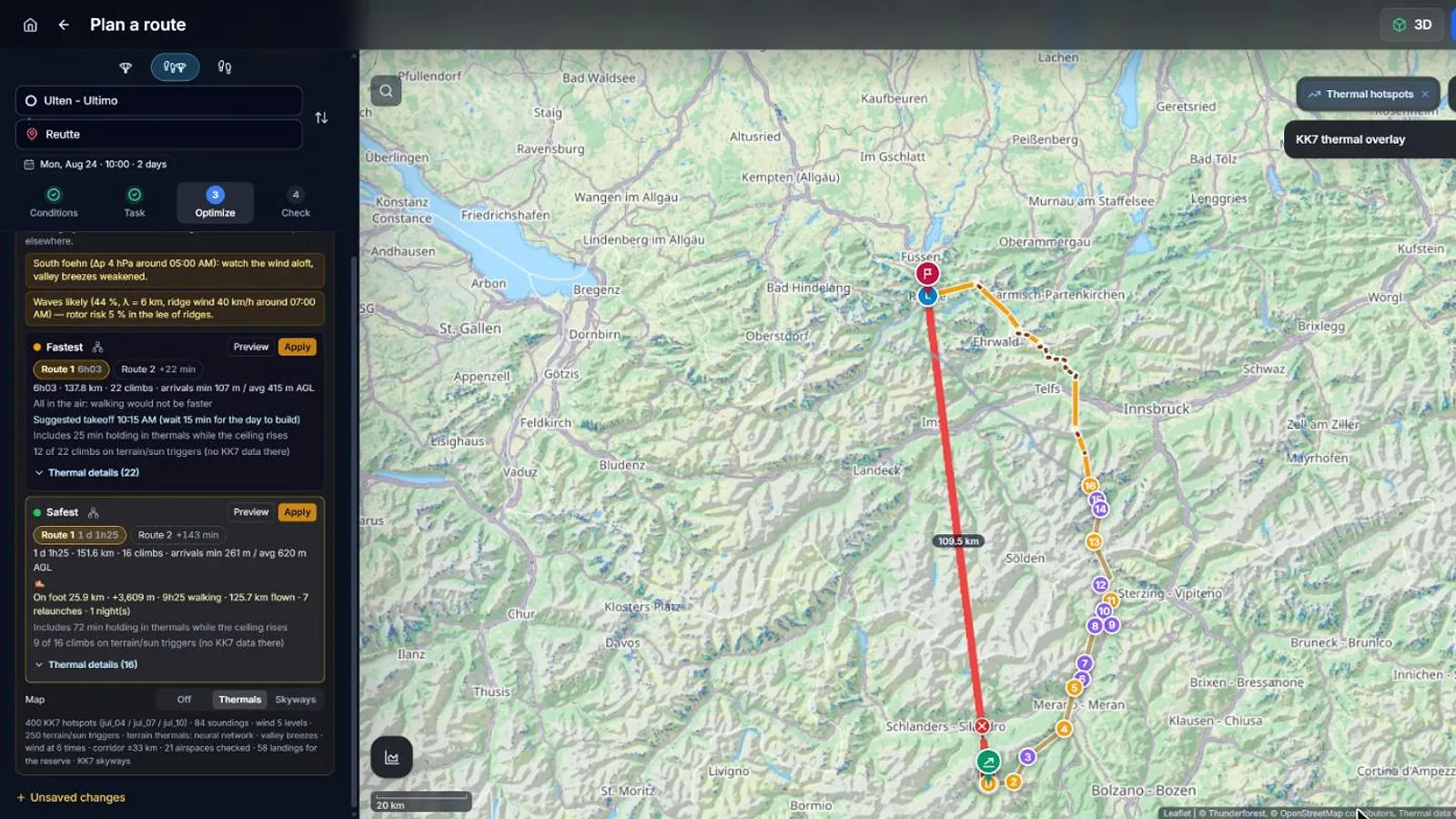
Compare the fastest and the safest plan
The optimizer proposes a fastest and a safest plan. Each one gives the kilometres on foot, the ascent, the walking time, the distance flown, the relaunches and the nights.
Click Preview to see a plan on the map: flights and walking legs appear in different colours, with every planned climb numbered.
If walking is never faster, the optimizer tells you and keeps the whole route in the air.
- 3
Adapt it to your plan
Drag the route to force a pass or a valley, or move your turnpoints, and run it again.
Use the result to prepare your bivouac gear, your water and the summits you may need to climb.