- 1
Understand what an IGC file is
An IGC file is a plain-text tracklog in the format defined by the FAI's International Gliding Commission (IGC). It stores a position every second or every few seconds: time, latitude, longitude, GPS altitude and pressure altitude. Its header records the pilot, the glider and the instrument.
All common paragliding instruments and apps write IGC files, including XCTrack, Flyskyhy, SeeYou Navigator, Skytraxx and Flymaster. It is also the file that XContest and the other online leagues ask for.
Double-clicking an IGC file usually opens a text editor: the data is there, but you need a viewer to see the flight.
- 2
Find the file
On a vario or flight computer (Skytraxx, Flymaster…): connect it to your computer with a USB cable and open its flights folder.
In XCTrack on Android: Android/data/org.xcontest.XCTrack/files/Tracklogs.
On XContest: go to My flights and download your IGC files (they come in a ZIP archive).
- 3
Open it online
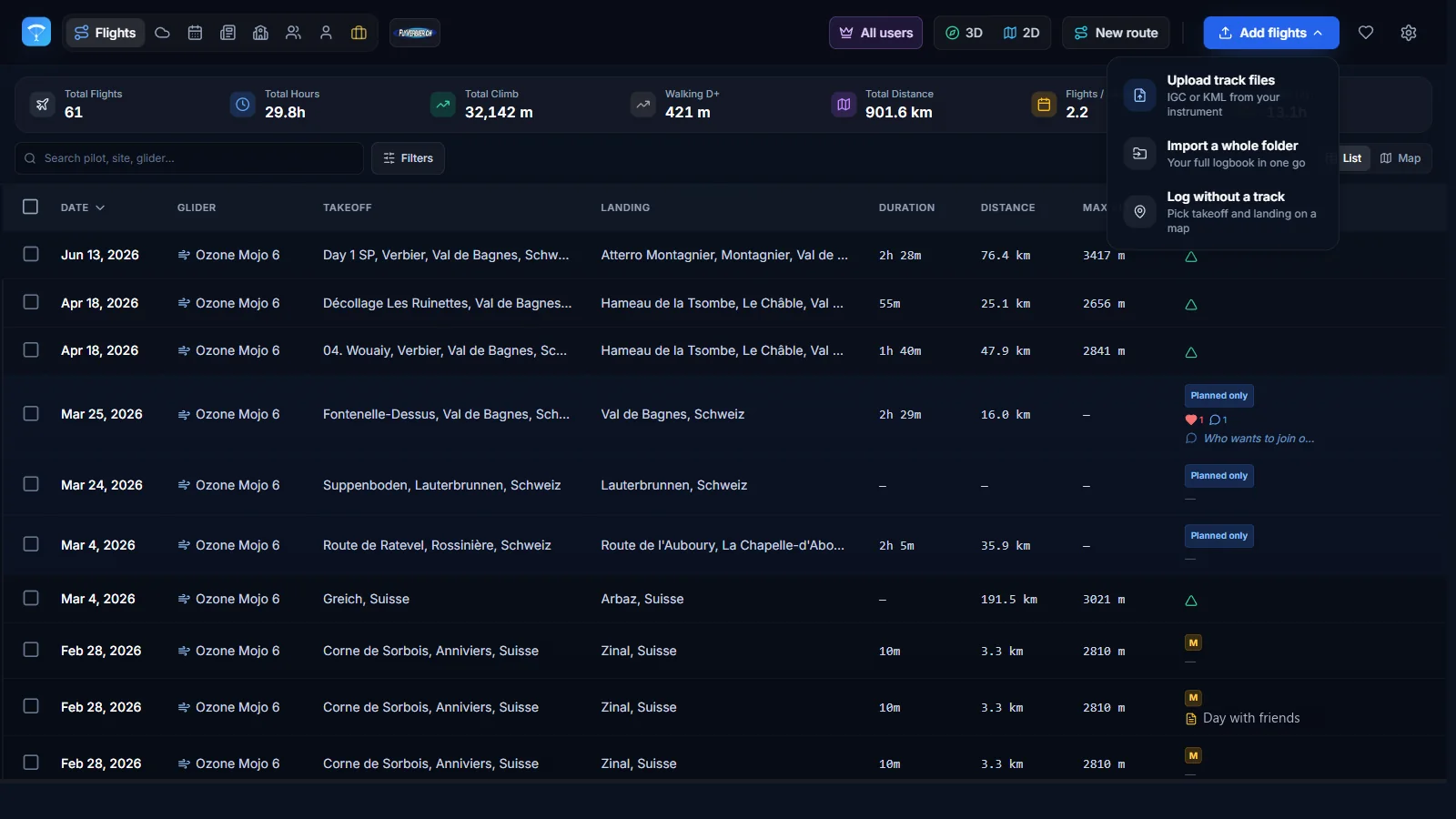
Go to xcviewer.org, create a free account and drop the .igc file into the upload area. It works on a computer, a Mac, a tablet or a phone.
Takeoff, landing, distance and duration are detected automatically.
- 4
Replay and analyze the flight
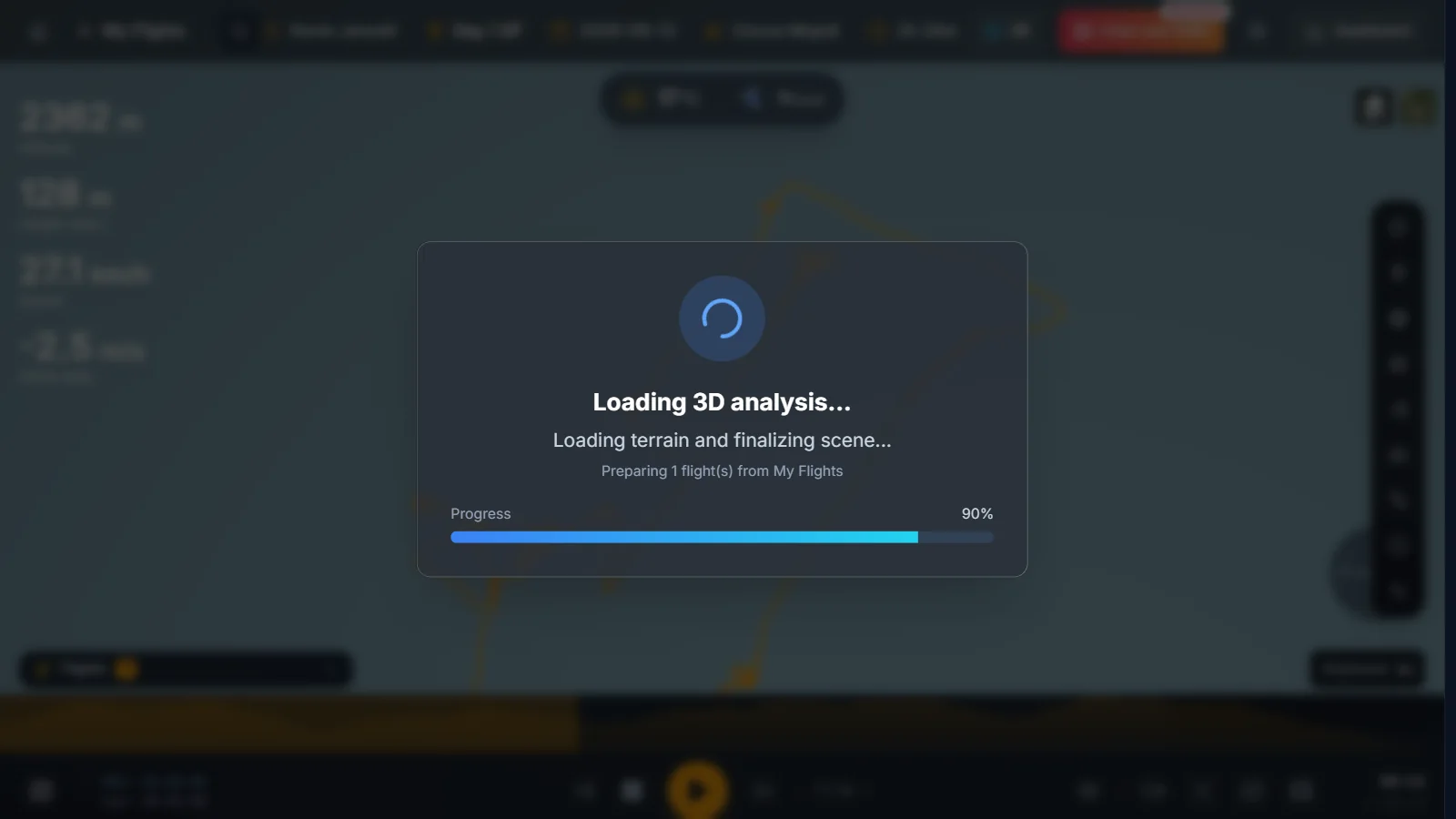
Press 3D to replay your flight over real terrain, with a camera that follows your glider.
Move along the graphs to see your altitude, climb rate and speed at any moment of the flight.
- 5
Other ways to open an IGC file
Google Earth: convert the IGC file to KML or KMZ first, then open it.
SeeYou (Naviter): a desktop, cloud and mobile suite for planning and analysis, with a subscription.
flyXC: a free, open-source map to view tracks and plan routes.
A text editor: enough to read the header, such as the pilot name or the instrument.
Frequently asked questions
What is the difference between IGC and KML?
IGC is the raw tracklog recorded by your instrument and used for scoring. KML and KMZ are display formats made for Google Earth. Converting to KML is handy for Google Earth, but keep the IGC file: leagues such as XContest need the original.
Can I open an IGC file on my phone?
Yes. Open xcviewer.org in your phone's browser and pick the file from your downloads or your files app.
Can I edit an IGC file?
You can open it in any text editor, but avoid changing the track: IGC files carry a security signature (the G record), and online leagues may reject an edited file. If you need a corrected copy, save it under a new name.
Is it free?
Yes. Opening an IGC file and replaying it in 3D is part of XCviewer's free plan, which saves up to 2 flights.