- 1
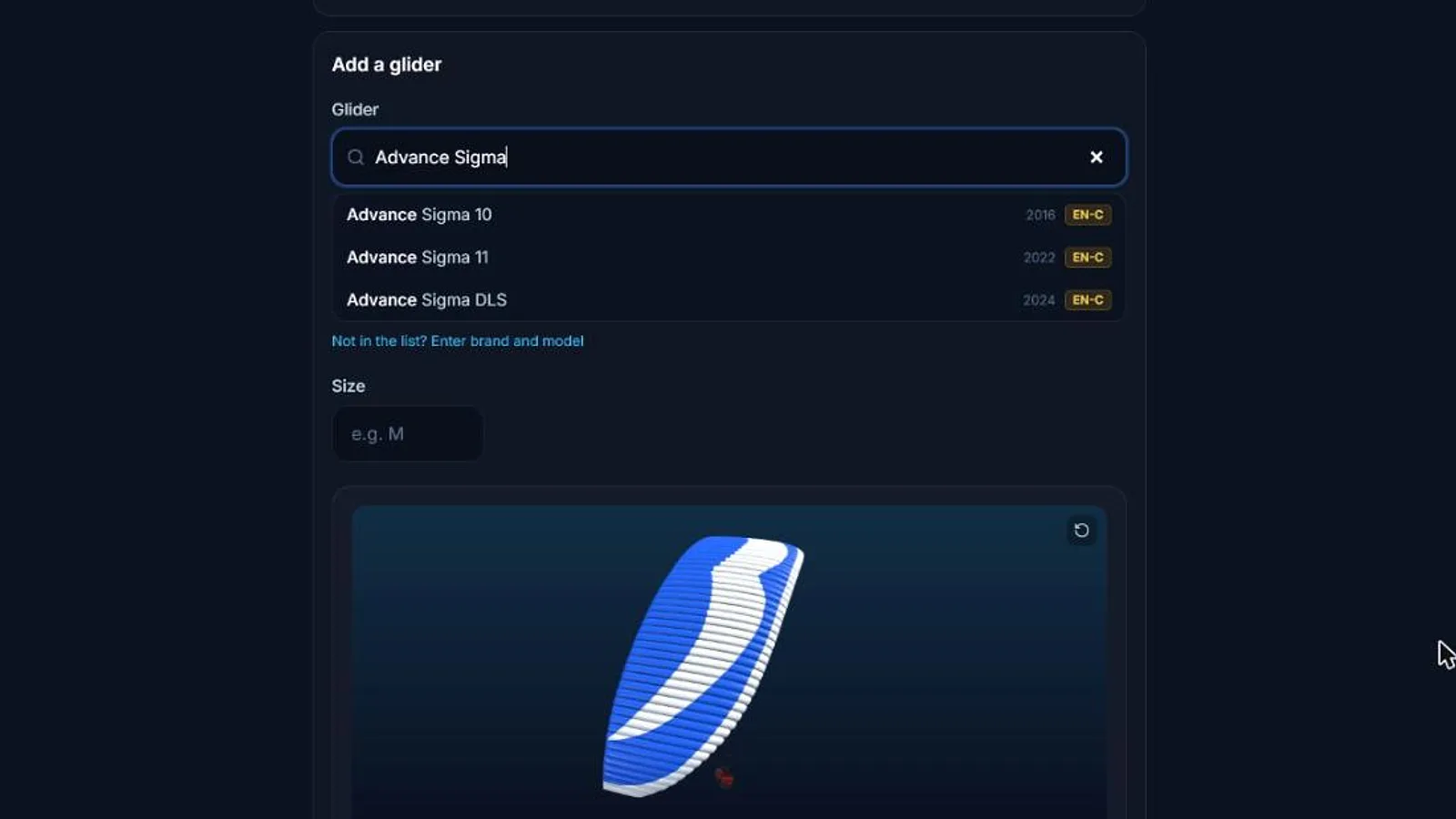
Find your glider
Open Settings, then Gliders, and search your wing, for example Ozone Rush 6. Not in the list? Enter its brand and model.
Pick your size. Past flights are linked automatically from the glider names your GPS writes in the files.
- 2
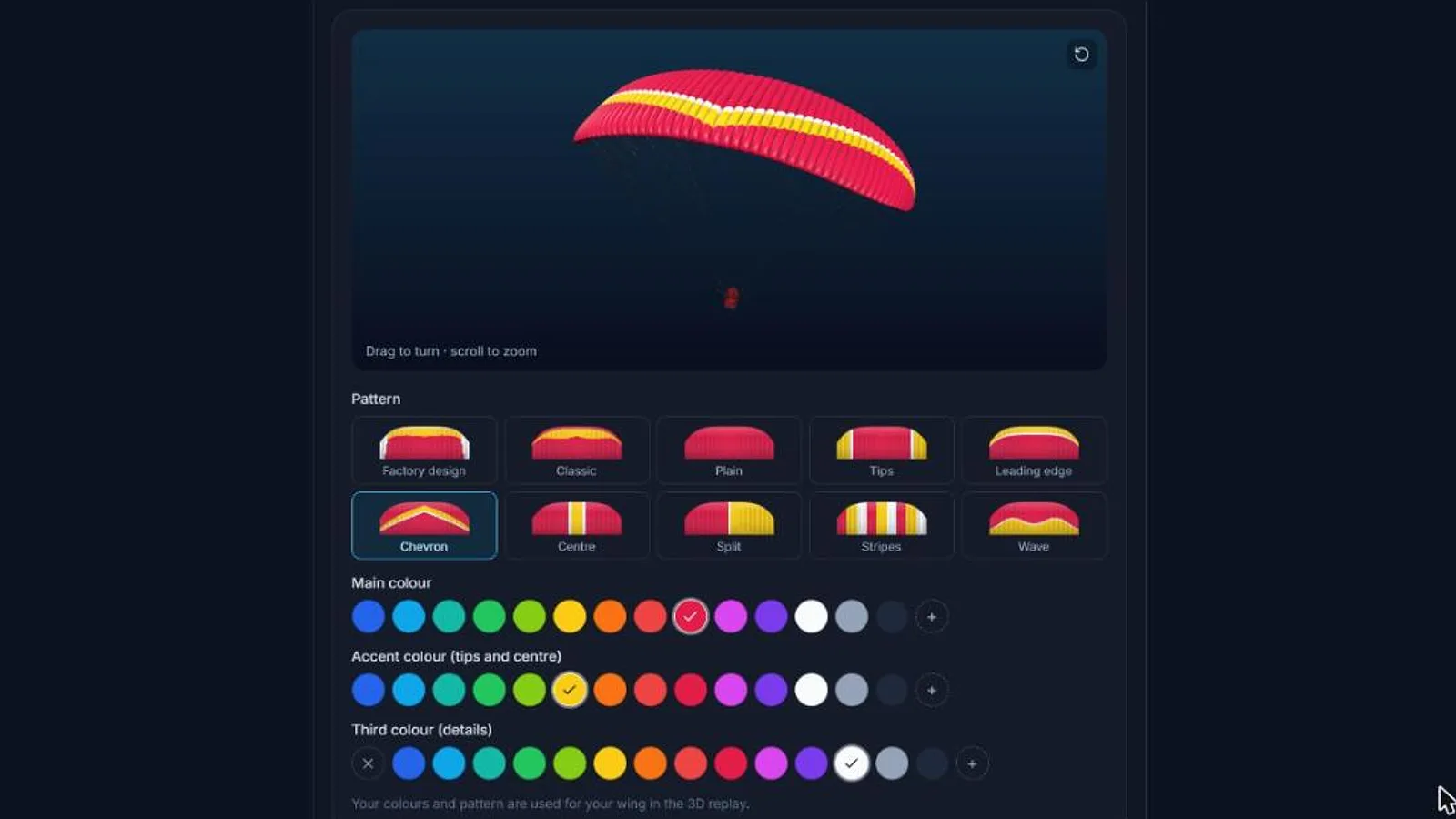
Design its colours
Choose a main colour, an accent for the tips and centre, and a third colour for the details.
Pick a pattern, from classic and chevron to the factory design, and turn the 3D preview to check it.
- 3
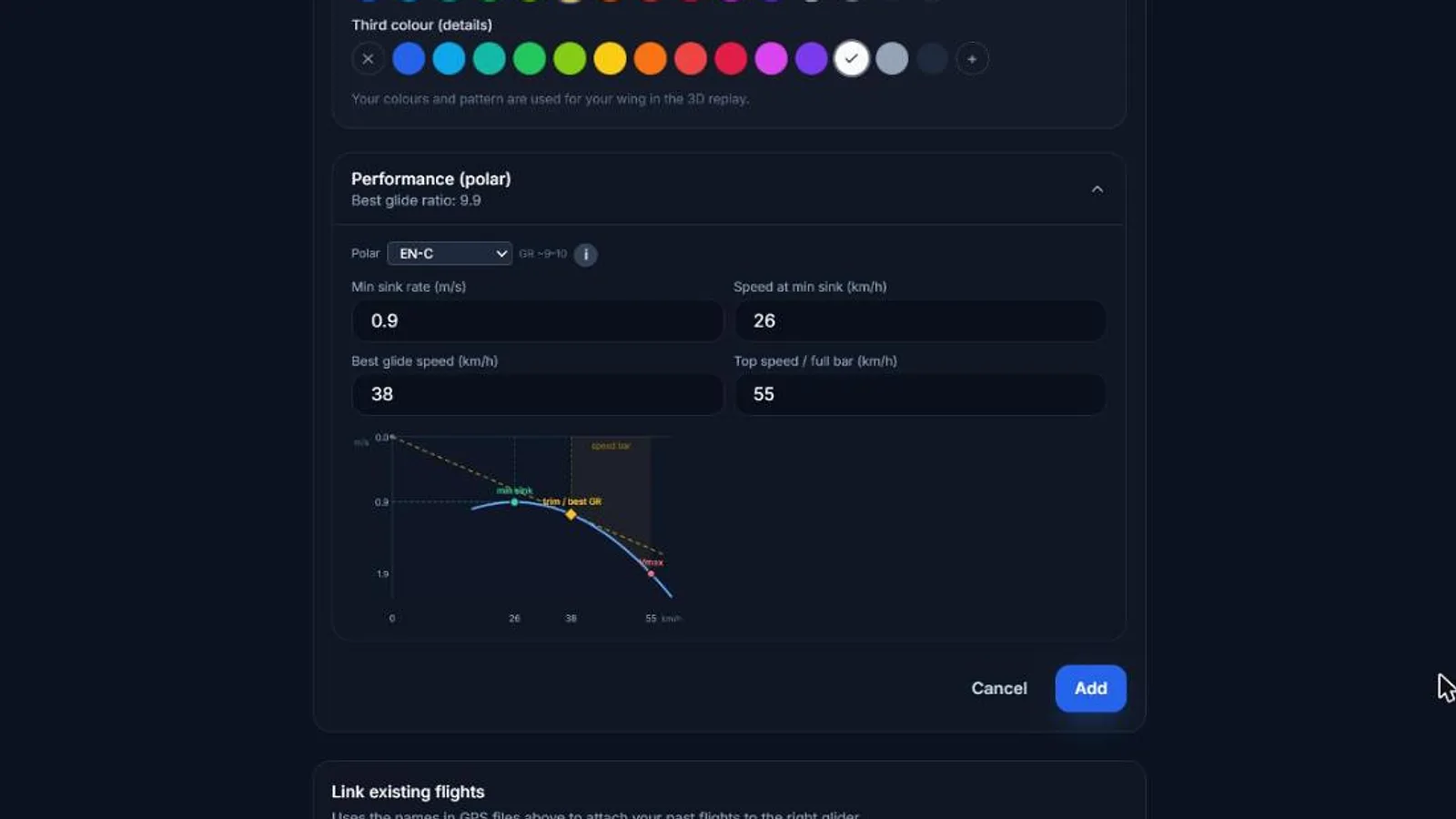
Add its performance
Enter the polar: speed at minimum sink, minimum sink rate, best-glide speed and top speed.
The route planner, the optimizer and the glide analysis use it, so your plans match the wing you fly.
Free accounts keep one glider; Pro lets you add your whole quiver.
- 4
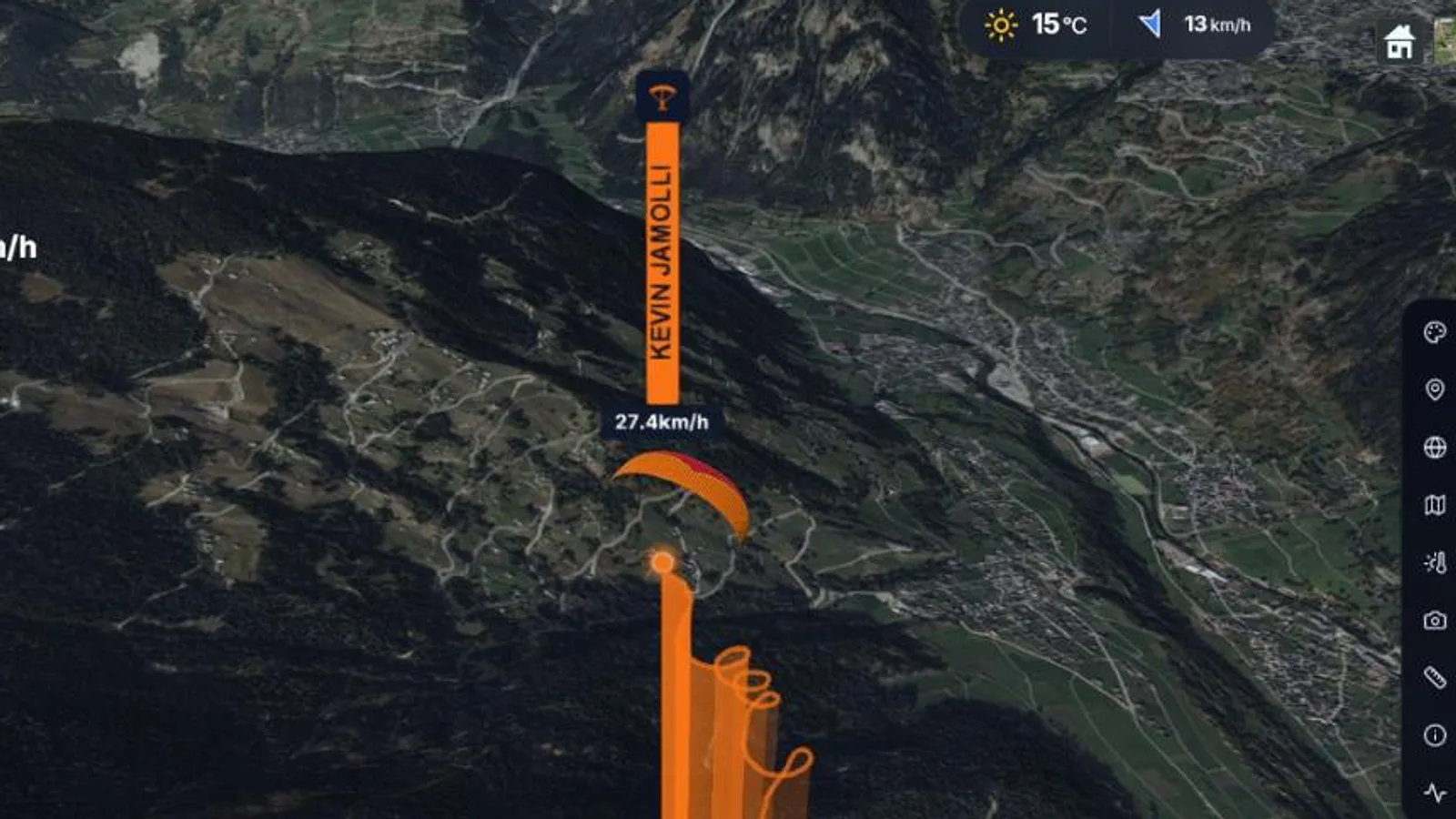
Watch it fly
Open any flight made with this glider: your wing appears in the 3D replay and in your videos.